
Insights for Leaders Navigating
Visibility, Credibility, and Growth.
From media strategy to reputation management, we explore the trends shaping public perception and share the approaches that drive measurable results for growing brands.

Nine times out of 10 clients reach out to Communiqué PR (CPR) because they want their company or service featured in the news. Media outreach and placing stories is the bread and butter for most public relations agencies and is typically what businesses think about when assessing what a firm can do for them. Anyone who has ever worked with a firm before understands that PR is much, much more than media relations. Developing key messaging, promoting thought-leadership, creating promotional materials, gaining industry awards, booking speaking/networking opportunities and so many other facets of marketing and advertising are also core components of the work. But most often it’s our expertise and relationships with the media that brings new business in the door.
So what exactly is the best way to get a reporter interested in a story? The answer to this question is of course very nuanced. Sometimes a PR pro can leverage a relationship with a reporter they have worked with for years to secure a placement. Sometimes you can catch a reporter just at the right time when they were already thinking about doing a story on just the topic being pitched. But more often than not, securing a media placement is dependent on the strength of the story itself, and our job in the PR industry is to make sure the opportunity is presented in the right way and to the right people in order spur interest.
Reaching the Right Reporters
Developing a good media target list is almost as important as the strength of the actual story when trying to place an article. If you’re not reaching out to the right reporters and outlets, then you’re wasting time and resources and shooting yourself in the foot from the onset. It can sometimes be hard to sell this fact to new clients because it takes a significant time commitment to do the required research needed to develop a media list, but identifying the right targets at the beginning of a campaign sets you up and is critical for achieving the desired results.
So what’s the best way to build a media list? And why does it take so much time? The answer to both questions is research, research, plus a little more research. Think about it for a moment: First, target outlets need to be identified. Newspapers? TV shows? Magazines? Trades? What about an online version of the magazine or a news website itself? The sheer magnitude of media outlets in existence makes identifying the right ones to target for a specific story a timely process.
Once the priority outlets are identified, next you have to figure out the actual reporters to target – which can take even longer than figuring out the right publications to reach. There are various databases that PR pros use to streamline this process, but that information is limited and often outdated, (I mostly use them to retrieve contact information only). The best way to figure out who is covering a topic that aligns with a pitching angle is to simply search within the specific outlet itself. This way you will unearth reporters who most recently covered the topic which aligns with the story angle and who are more amendable to the opportunity you are offering.
Crafting the Perfect Pitch
Keep it short, simple and to the point. That’s what always runs through my head when drafting a pitch. Reporters have told me over and over that they are inundated all day with hundreds of emails from PR professionals and that they simply don’t have enough time to read long pitch emails. My opening line tends to point out a recent article a reporter covered related to the subject matter I’m pitching to spark their interest, but then I get right into the who, what, when, where and how of the opportunity. I keep everything very streamlined, bulleting out and bolding key points that I want the report to consider.
It is also important to personalize the email opening to each reporter because it shows due diligence and understanding about that reporter’s beat or expertise. Oftentimes PR folks will email blast a pitch that ends up in inappropriate email boxes of reporters who do not cover what you’re pitching. This is spam in a reporter’s eyes and always a pet peeve when they talk about working with PR professionals. It can prevent a reporter from opening a future pitch from you or colleagues at your firm, and that can have long-lasting negative consequences toward building media relationships.
Another important but often-overlooked aspect of the pitch is the email’s subject line. When drafting the email, come up with something catchy to grab the reporter’s attention. Remember that getting a reporter to actually open the email is more than half the battle, and a subject line that catches their attention greatly increases the odds of them reviewing the information and ultimately deciding to cover the story.
Following Up on the Opportunity
The follow-up can be just as important as the pitch because it helps ensure that you receive a decision and/or feedback from your target, which will help you moving forward as you chase other reporters and coverage opportunities. After waiting a full 24 hours for a reporter to respond to an initial pitch email, I’ll send a note on top of the original message that A) reiterates why I think the opportunity is a good fit for them personally; and B) asks for any type of feedback, good or bad. If I don’t hear back from the target within another 24 hours or so, I’ll send one more email on top of my last note to put the story back on his or her radar. Any more than two follow up emails can be perceived as overbearing and annoying, so keep that in mind when reaching out.
If I’m targeting a reporter who I truly think should be covering my story and haven’t received any sort of reply from the email pitch, I’ll then try to reach them on the phone. Back in the day – and even when I first entered the PR world – hitting the phones was the preferred pitching method. But in today’s environment it has become less ingrained in the process. Why, exactly? Simply put, reporters in the modern world rarely pick up work phones for unsolicited calls because of the sheer amount they receive on any given day. And if you get voicemail, don’t even bother with a message – I’ve never actually heard a reporter say they listen to their inbox.
If you do catch a reporter on the phone, use the same technique as you would in an email pitch: Keep it short, simple and to the point. I’ll often script what I’m going to say and rehearse it before dialing the reporter to ensure I’m maximizing the time I have to chat with them. And similar to the email pitch, after introducing myself I outline why I think they would be interested in the story by referencing a recent article they’ve published, followed by outlining the opportunity. Once complete, I stop, listen and think about counterpoint responses if the reporter is skeptical of the opportunity. Connecting live with a reporter is useful even if they don’t bite on the story, he or she may provide some necessary feedback needed to reframe the opportunity and secure a placement with another target. It also may provide a brief but important chance to start building a relationship that’s more personal than an email.
Remember that the value a client holds on placing an article in a key publication is not something to underestimate, so understanding the best practices to achieve this goal is fundamental to media outreach success.

Are you contemplating an April Fools’ Day PR stunt or announcement? Did someone suggest it would be a good way to help build awareness for your company? While some companies can pull these spoofs off well, it is not a simple matter and those considering joke press releases, fake product announcements or a company prank should consider the potential unintended consequences.
We have provided guidance on this topic in the past with the following posts:
- Joke’s on You: Should You Leverage April Fools’ Day?
- The Joke Press Release – Is it appropriate for April Fools’ Day?
- Planning an April Fools’ Day Spoof Announcement? Think it Through …
- Don’t Be Fooled on April 1
Last year Tesla announced the release of a Tesla Watch; however, the impact was mixed, some fell for the stunt, while others were able to avoid being tricked. The not so lucky ones are referenced in Mashable’s article, “Tesla probably ticked off some of its stockholders with its April Fools’ joke. ” Mashable wrote that “Four minutes before the end of the trading day, Tesla put out a tweet and blog post with the headline: ‘Announcing the Tesla Model W.’ The announcement was quickly picked up by a couple publications and briefly sent Tesla’s stock up by about 0.75%.” After covering the news, a Reuters’ spokeswoman stated, “We have withdrawn the headlines and regret putting out the material.”
If you, however, decide to move forward with an April Fools’ Day PR prank, you may find some inspiration from this recap of some of the best April Fools’ Day pranks of 2015 from ComputerWorld, April Fools’ Day prank roundup (2015).
We’ll be watching for some fun announcements on April 1, as well as some that may not turn out as intended. We’d love to hear from you on what spoof announcements make the grade and which ones miss the mark. Feel free to post a comment with your thoughts.
Raise your hand if you have read and responded to all of the emails in your inbox this week. While I’m sure there will be some overachievers out there, I’m betting the majority of you have at least one or two emails you’re putting off replying to or you simply deleted.

In PR, we’ve all heard how reporters are inundated with emails and it’s true. Journalists are people just like us, with urgent work deadlines and limited attention spans to devote to tedious or impersonal messages.
At Communiqué, we’ve secured top-tier coverage for our clients by customizing our pitches and picking up the phone to make those follow-up calls. However, we also firmly believe in the power of another media relations strategy – the deskside meeting.
When our clients mention upcoming travel plans, we immediately begin reaching out to our contacts from target outlets based in the area. Currently, I’m scheduling deskside meetings for our tech and service firm clients with editors and reporters from Bloomberg, Fortune, Mashable, PSFK and The Seattle Times to name a few.
These one-on-one deskside meetings are highly beneficial for an initial introduction between a CEO and editor, product launch announcements, or a major company update.
Here are four reasons why you should start scheduling your own deskside meetings today:
1) If the media won’t come to the client, the client must go to the media – Remember when I mentioned journalists are busy? A shrinking news staff coupled with a growing demand on reporters to blog, create videos, and take photos on top of their editorial assignments means reporters are under pressure to deliver more content with less time. Offering to meet at a time and location convenient for reporters is appealing to them and shows you value their time.
2) Facetime still matters – PR is all about building meaningful relationships and face-to-face conversations can establish rapport and trust much quicker than a phone interview or email exchange. Instead of relying solely on content to drive an interview, nonverbal cues such as tone and body language can also help engage reporters during in-person meetings.
3) A little bit of attention can go a long way – Scheduling deskside meetings has the added benefit of guaranteeing a priceless commodity – a journalist’s undivided attention. Whether the deskside lasts one hour or only 10 minutes, this is a rare window to deliver key messages and find out what topics they’re researching. Before an interview, we help our clients prepare three to five solid talking points and schedule practice sessions to make sure the messaging is concise and consistent.
4) Setting the stage for thought leadership – Even if a deskside meeting doesn’t necessarily result in an immediate article, it lays the foundation for future opportunities. During in-person meetings, executives can demonstrate their expertise on a range of industry trends, earning them a coveted spot on a reporter’s shortlist of resources to call for a quote. While a profile piece may be the ultimate goal for speaking to the press, serving as their go-to industry expert in the meantime may result in several mentions.
It may seem counterintuitive to request a face-to-face meeting with time-strapped journalists, but most reporters are usually willing to spare 15 minutes depending on the news value and existing relationship with the PR firm. Despite the ease of sending a press release over email or conducting a Q&A over the phone, the personal connection forged through desksides increases the likelihood of coverage and is critical for building long-term relationships.
Now who’s ready to nail those sound bites?
For journalists, the Associated Press (AP) Stylebook is the industry “bible.” They live and die by its grammar and style rules, and most have taken numerous journalism school classes to perfect the art of AP style writing. As such, AP style errors in press releases are glaringly obvious to reporters and could turn them off from considering a press release. But mastering the 500-page book, which is updated every year, can be a daunting task.
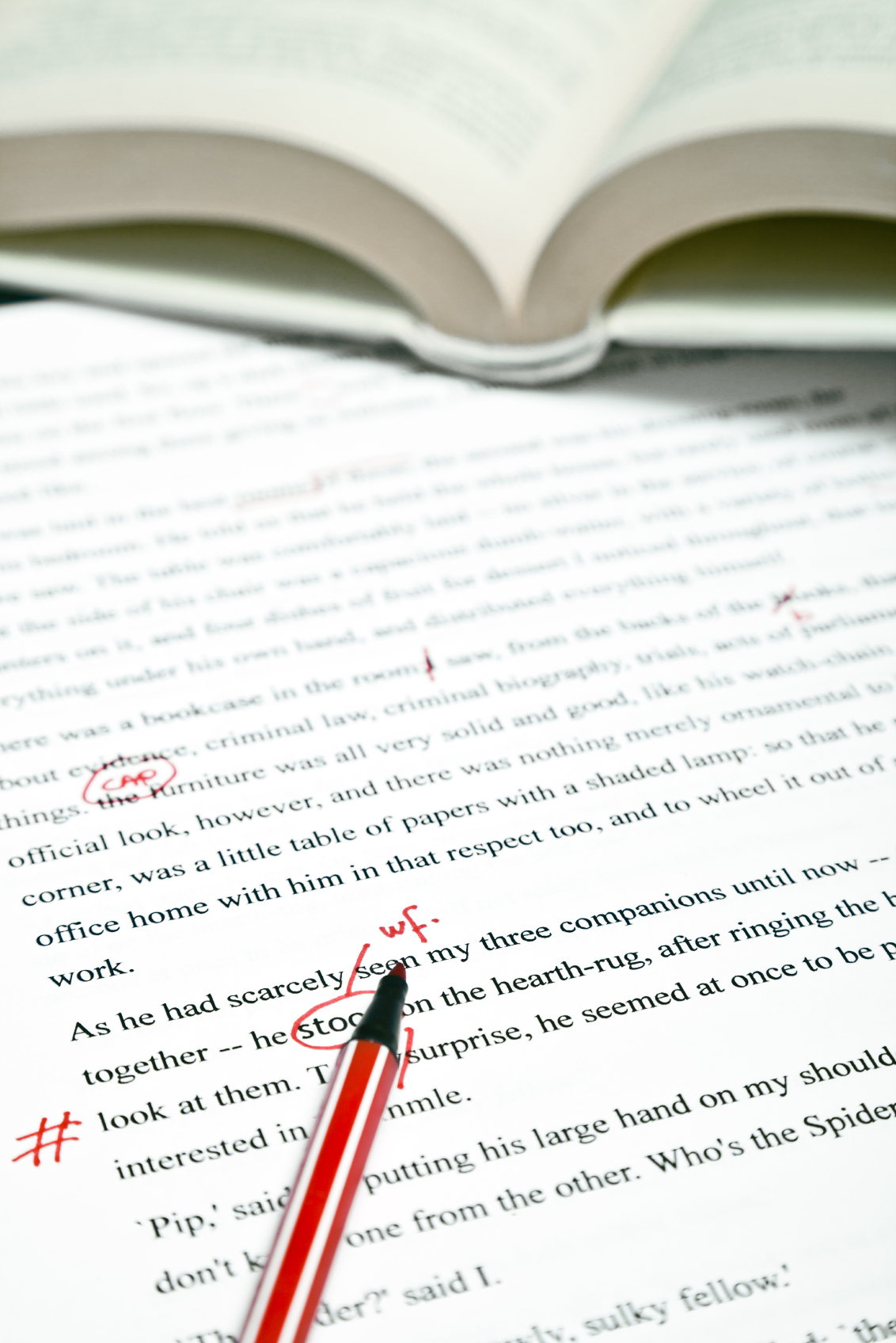
Below is a list of the top AP style tips that every PR professional should know and some of the most commonly made mistakes to avoid. Although you should always have an AP Stylebook at your desk, consider this your cheat sheet for quick reference.
Addresses
Only use the abbreviations Ave., Blvd. and St. with a numbered address. Always use figures for a numbered address. Example: His address is 1600 Pike St. He lives on Pike Street.
For street names that are numbers, spell out and capitalize First through Ninth. Use figures with two letters for 10 and above. Example: He lives on Third Avenue. She lives near 10th and 22nd streets.
Spell out Interstate on first reference, then abbreviate. Example: She drove down Interstate 5 to get to work. She also took I-5 when she drove home.
Dimensions
When writing about height, weight or other dimensions, use figures and spell out words such as feet, miles, etc. Examples: She is 5-foot-6. He wrote with a 3-inch pencil.
Hyphens
Hyphenate the words that go together when using adjectives to modify words. For example: energy-efficient products, much-anticipated announcements, long-term relationships.
Words that end in “–ly” are adverbs and should never be hyphenated.
“More Than” Vs. “Over”
Use “more than” when referring to numbers and “over” when referring to spatial elements. For example: We acquired more than 100,000 customers. The cow jumped over the moon.
Numbers
Write out numbers one through nine, and use figures for 10 and above. Spell out a number if it starts a sentence unless it’s a year.
For percentages, use numbers and do not use the % symbol. Example: 39 percent.
Punctuation
AP doesn’t like the Oxford comma. Do not use a comma before the last item in a simple series.
Punctuation always goes inside quotation marks. Example: “No exceptions,” I said.
State Abbreviations
AP doesn’t follow standard ZIP code abbreviations. Instead, each state has its own unique abbreviation. For example: Mass. for Massachusetts, N.Y. for New York, Calif. for California, Fla. for Florida, and W. Va for West Virginia. Note that eight states aren’t abbreviated: Alaska, Hawaii, Idaho, Iowa, Maine, Ohio, Texas and Utah. In addition, omit state abbreviations for well-known U.S. cities (Atlanta, Boston, Chicago, Miami, New York, etc.)
Times
Use a colon to separate hours from minutes, but do not use :00. Example: 1 p.m., 3:30 a.m. When referencing a.m. and p.m. always place the periods in this manner.
Titles
Formal titles that precede an individual’s name are capitalized. Titles that fall after are lowercase. For example: We clapped when XYZ Co-Founder Joe Bloe cut the ribbon. Patty Smith, director of marketing at XYZ, attended the ceremony as well.
Always give someone’s full name when first introducing them. After the introduction, refer to them by their last name.
This list covers the basics of AP Style, but it’s certainly not comprehensive. If you’re ever unsure about a rule, be sure to break out your book and look it up. You can also download AP StyleGuard, a solution that integrates with Microsoft Word and automatically checks your documents for AP style. It may seem trivial, but grammar matters – especially to journalists.
Polaris Office, a client of Communiqué PR, is introducing a new office productivity suite in the U.S. market in a daring attempt to disrupt the current status quo and offer an alternative to industry Goliaths Microsoft and Google.
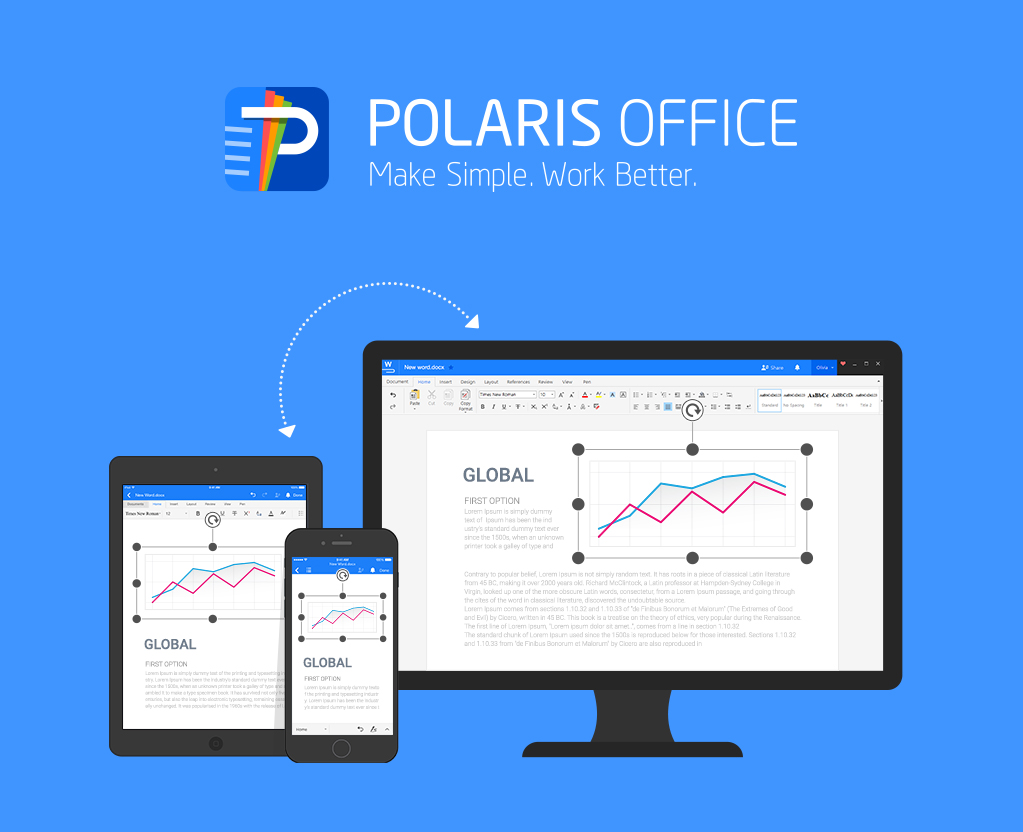
Polaris Office is a Korean-based software company offering an intuitive, cloud-based office productivity suite that breaks down the barriers of the traditional office ecosystem. Originally launched as a mobile app in 2014, Polaris Office has since been adopted by more than 37 million users globally by appealing to a younger, more mobile user demographic that demands flexibility in terms of their work environment.
Inspired both by user response to its mobile product and to the need for cross-functional, collaborative productivity software solutions to serve an increasingly distributed workforce, Polaris Office has expanded its offering to the desktop. Its cloud-based productivity suite was developed to break down the barriers of traditional office ecosystems by offering powerful office functionality and easy cloud accessibility to enable a seamless experience across multiple platforms and devices. Its offering is also cost-effective, with usage plans ranging from free to $5.99 per month.
Introducing a Barrier-Free Office Productivity Suite to the U.S. Market
For any company, entering the U.S. market is no small feat. The bar is even higher when you’re introducing a new product with intentions to compete against globally recognized brands like Microsoft Office and Google for Work that currently own the office software category.
An undeterred and inspired challenger, Polaris Office wanted to introduce its fully integrated productivity suite to the U.S. market in Q1 2016. The company approached Communiqué PR in February and together, we developed a PR strategy to announce the new product and demonstrate how it transcends the constraints of traditional office software.
Challenging brands as strong as Google and Microsoft is an ambitious endeavor and we believed there would be interest from business and technology press. Our approach involved first developing a press release to express the significance of Polaris Office’s entry into the market and demonstrate how the barrier-free product transcends the constraints of others in the space. Next, we curated a press list focused on journalists covering business news, technology, the future of work, and of course, Polaris Office’s competitors. We then offered the news under embargo to targeted media to encourage interest in the news, coordinate advance interviews and drive coverage to coincide with the official product launch date. And finally, we shared the news over the wire and to our tailored list of press.
Coverage Recap
Polaris Office’s expansion to desktop and entry to the U.S. market was announced on March 8, 2016. Below is a list of articles that were published in the first two days following wire distribution:
- Mobile Marketing Watch: “First Look: Polaris Office Expands to Desktop”
- AJU Business Daily: “‘Polaris Office’ goes global with cloud-based PC version”
- Product-Reviews: “Polaris Office US release with new subscription fees”
- Cloud Wedge: “Polaris Releases Desktop Version of Popular Cloud Office Suite”
- TechCrunch: “Seoul-based Polaris Office launches its enterprise productivity suite in the U.S.”
- IT Pro Portal: “Polaris Office launches new cloud-based productivity suite”
- PCWorld: “Hands-on: Polaris Office is a free Office alternative, but read the fine print”
- FierceCIO: “Brazen or crazy? Polaris Office goes head to head with Microsoft and Google”
- Network World: “Polaris wants to take on Microsoft and Google. Good luck with that!”
- WinBuzzer News: “Microsoft Productivity Suites Targeted by Polaris Office”
Based on the response from media thus far, we anticipate even more coverage will result from outreach in the coming days and weeks. In the meantime, we congratulate Polaris Office on this significant achievement and look forward to telling the company’s story as it continues to offer innovative features for its platform and build its market share in the office software space—both in the U.S. and globally.
Today, with more and more people working remotely, it is important to maintain relationships through communication with virtual teams or freelancers. The ability to quickly and easily communicate with coworkers who are both in and out of the office has become vital to office efficiency and transparency. Of late we have experienced an explosion of various software platforms and apps all fighting to help businesses collaborate while staying organized and focused.

A while back, I received a text message from my sister asking if our office uses Slack. I quickly responded with a straight, “No, what is this oddity of which you speak?” – only to get a response of her ranting about how it is such a great online collaboration app and tool to stay connected with coworkers in the office. Is that not what Skype and email (even with its limitations) are for?
Since that day, I began seeing Slack pop up in online advertisements, blog posts, and social media channels – well played, cookies. In addition, a few of our own clients began including us in their Slack groups. I decided to investigate what exactly Slack can do to help teams, and an office as a whole, be more productive when it comes to communication. Having garnered over 2 million users in only two short years, ranging from The New York Times to Walmart, and having been valued at more than $1 billion in 2014, I was excited to find out what the hoopla is about.
My first impression of Slack is a great example of why so many people are riding the Slack train. The interface is straightforward and streamlined – things that are becoming rare with technology today. Upon visiting Slack.com, one simply enters an email address, creates a username, and agrees to terms in order to get Slack up and running. Slack is free of charge but businesses can pay a fee for extra features.
I am informed via the welcome screen that Slack is “a messaging app for teams” – another way of saying welcome to communication in the digital age. A rundown of various features within the product gets me familiarized with the app. The product employs open and private channels, chat rooms based around a topic or team, as well as direct messages, private one-to-one messages, and file sharing to provide an integrated channel for communication that avoids users having to switch between multiple applications. I also notice Slack has added a shortcut to my desktop similar to any other computer application for easy access in the future.
There is also the ability to integrate other services that you might use, such as Skype. Furthermore, features that I have not yet found necessary but that many users applaud are the seamless transition between Slack on desktop computers to mobile devices (Android and iOS apps), the automatic archiving of all conversations (a tool that Slack founder sees helpful when onboarding and getting new employees up to speed), as well as the customization users can apply to notifications.
Lastly, in a March 1, 2016, press conference, the company shared plans for future growth, including the integration of video chat and an updated billing system to assist the finances of large corporations. Now in beta stages, the conference-calling feature allows for fast, direct calling between colleagues without the need for any addition plug-ins.
For good reason, Slack is the fast growing enterprise software, however, I detect a few problems with the integration of the app into office communication efforts. In my short time working with Slack, it is easy to see that the app is just one more thing to pay attention. For many, notifications from various apps are already controlling what little attention span they have, so why have another pop-up nagging you?
For most public relations teams, there is also going to be the use of email outside of Slack creating the possibility of over exposure and therefore creating inefficiencies rather than increasing productivity.
While Slack is great for pinging your coworker or acquaintance, the app seems too personal to rely on when pitching journalists or reaching out for business development or networking purposes. The aforementioned notifications are customizable and able to be controlled, so it is important, to retain your sanity, that you find what works best for you in terms of push notifications.
Lastly, Slack’s privacy policy warrants a thorough read because of certain legalities in regard to business communications. According to The Verge, executives of companies using Slack Plus are legally permitted to obtain all messages that go through the app if requested. That being said, it is possible for almost every employer to legally track all workplace communications, from phone calls to email. By no means is Slack crossing new privacy boundaries, but the feature is important to note.
Dismissing Slack as just another chat room would be misleading, but I can easily see how a tool meant for collaboration and efficiency can lead to anything but. With a new round of funding in the pipeline for Slack, I am excited to see what is to come from the app.